The analogue chain
1 · Lens
The Lens stage in Procol: the lens design and its era, the aperture, the coating, flare, glow, corners, distortion, soft focus and light falloff.
The glass in front of the film. A digital photograph today is sharp from corner to corner, with no flare and no glow: that is how a modern lens draws. Prints from the nineteenth and twentieth centuries breathed differently, and part of that came from the optics: the slightly veiled shadows of uncoated lenses, highlights that spread wide open, corners that melt away.
The Lens stage puts the lens design and its aperture in your hands. Each design brings its own flaws, and the aperture governs them as it does on a real lens: stop down and the image cleans up.
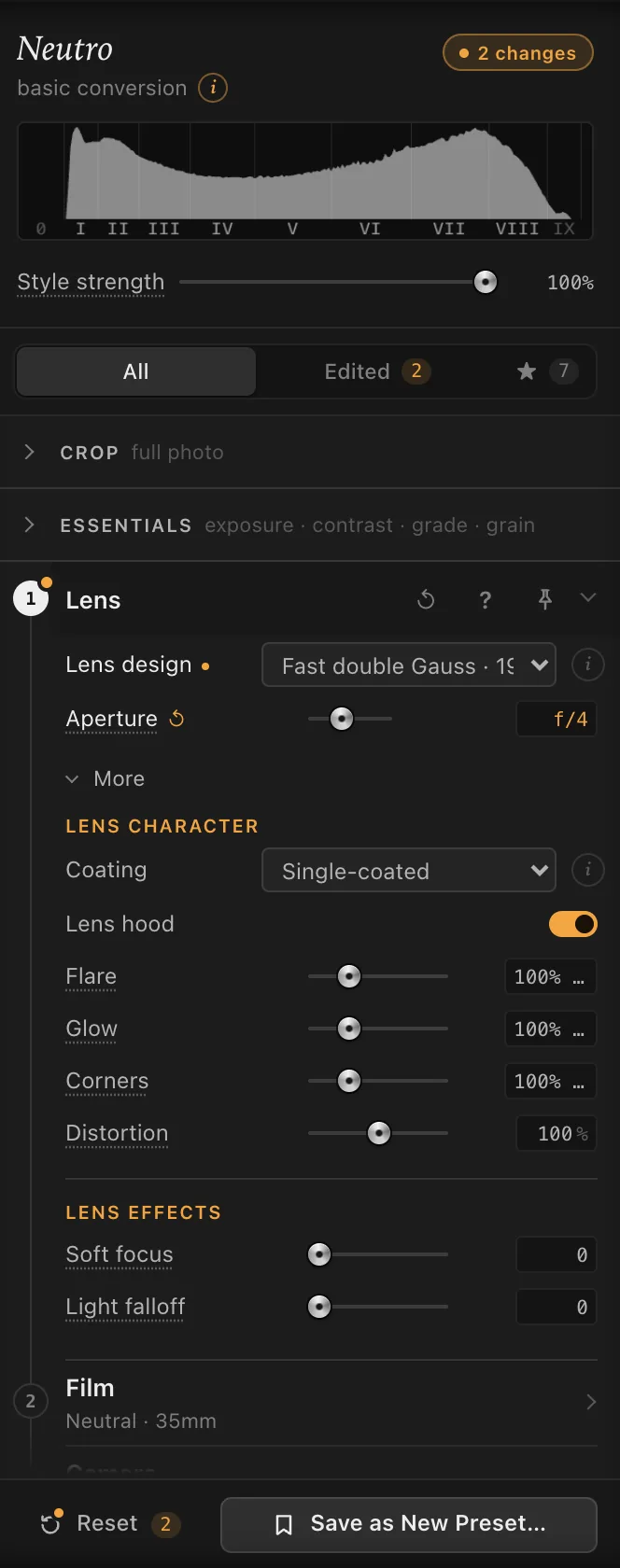
Lens design#
The optical design and its era. The descriptions draw on the history of photographic lenses; the behaviour is our interpretation, built on what is known about each design.
| Lens design | Character | Wide open | Starting aperture |
|---|---|---|---|
| None (digital) | The photo as it is: no optical character added. This is the default. | — | — |
| Box-camera meniscus · late 1800s | A single lens in front of the stop: soft, corners that fade away, barrel distortion and colours that don’t focus together. The popular box camera. | f/11 | f/16 |
| Rapid Rectilinear · 1866 | Two symmetrical doublets: straight lines, no distortion, edges that break up wide open. The standard lens of the nineteenth century. | f/8 | f/11 |
| Cooke triplet · 1893 | Three elements: a flat field and a good centre, astigmatism halfway between centre and corners. | f/4.5 | f/6.3 |
| Four-element anastigmat · 1930s | The standard lens of pre-war cameras: sharp in the centre, soft edges wide open, light flare when uncoated. | f/3.5 | f/6.3 |
| Fast reportage lens · 1930s | Three cemented groups, very fast: few surfaces and little flare, glow wide open, dark corners. | f/1.5 | f/4 |
| Fast double Gauss · 1950s–’70s | The classic post-war standard lens: clean shadows with coating, soft glow and light falloff wide open. | f/1.4 | f/4 |
| Symmetrical wide-angle · 21 mm | Many elements around the stop: little distortion and great sharpness, dark corners from the angle of view. | f/4.5 | f/8 |
| Retrofocus wide-angle · 28 mm | The SLR wide-angle: visible barrel distortion, softer edges, more surfaces and more flare. | f/2.8 | f/5.6 |
| Curved-field portrait lens · Petzval | A sharp centre and edges that melt away, a luminous glow: the nineteenth-century portrait. | f/2.2 | f/2.8 |
| Soft-focus portrait lens | Deliberate spherical aberration: a glow that wraps the highlights wide open, sharp when stopped down. | f/2.2 | f/2.6 |
| Modern apochromat | Sharp from edge to edge even wide open, multicoated: the reference with no character. | f/2 | f/5.6 |
Choosing a design also sets the starting aperture and the coating of its era (see More). Then change them as you like.
Each design brings all of these with it: flare on the shadows, sharpness from centre to edge, glow around the highlights, light falloff in the corners, distortion and colour fringes. The direction of the softness at the edges changes too: in the standard lenses it is radial, in the Curved-field portrait lens it is tangential, and the background seems to ‘swirl’ around the subject.
The two wide-angles and the two portrait lenses also have their own focal length (21, 28, about 85 and 90 mm on 35mm): it matters for the light falloff in the corners and for camera shake, which grows with a long lens.
When to use it. For a print that looks of its time, choose the lens of its time: an uncoated Four-element anastigmat for the 1930s, a Fast double Gauss for post-war reportage. For a soft, luminous portrait, the Soft-focus portrait lens wide open. If you only want film and paper, with no optics, leave it on None (digital).
Lens and filter#
On panchromatic film the colours don’t all come to focus on the same plane: blue-violet, the furthest off, softens the image, above all wide open. A Yellow or Red filter in the Camera stage holds it back, and the image sharpens by itself, as the landscape photographers knew. With the Modern apochromat the difference disappears. You see it at 100%.
Aperture#
The aperture, in thirds of a stop, read on the scale of the lens design: pre-war lenses have their own figures (f/4.5, f/6.3, f/9, f/12.5), modern ones the scale you know (f/2, f/2.8, f/4…). The slider only appears when there is a lens.
- Each design has its own widest aperture and its own smallest. The slider won’t go past wide open, and the readout says so with · wide open (for example ‘f/1.4 · wide open’).
- Stopping down: the glow fades quickly, the edges sharpen, and the falloff caused by the barrel halves with every stop.
- Beyond f/11 diffraction softens the whole image a little, the centre included.
Here the aperture doesn’t change the exposure: Procol keeps the print’s brightness where it was, as the photographer would by compensating with the shutter speed. Only the character of the image changes.
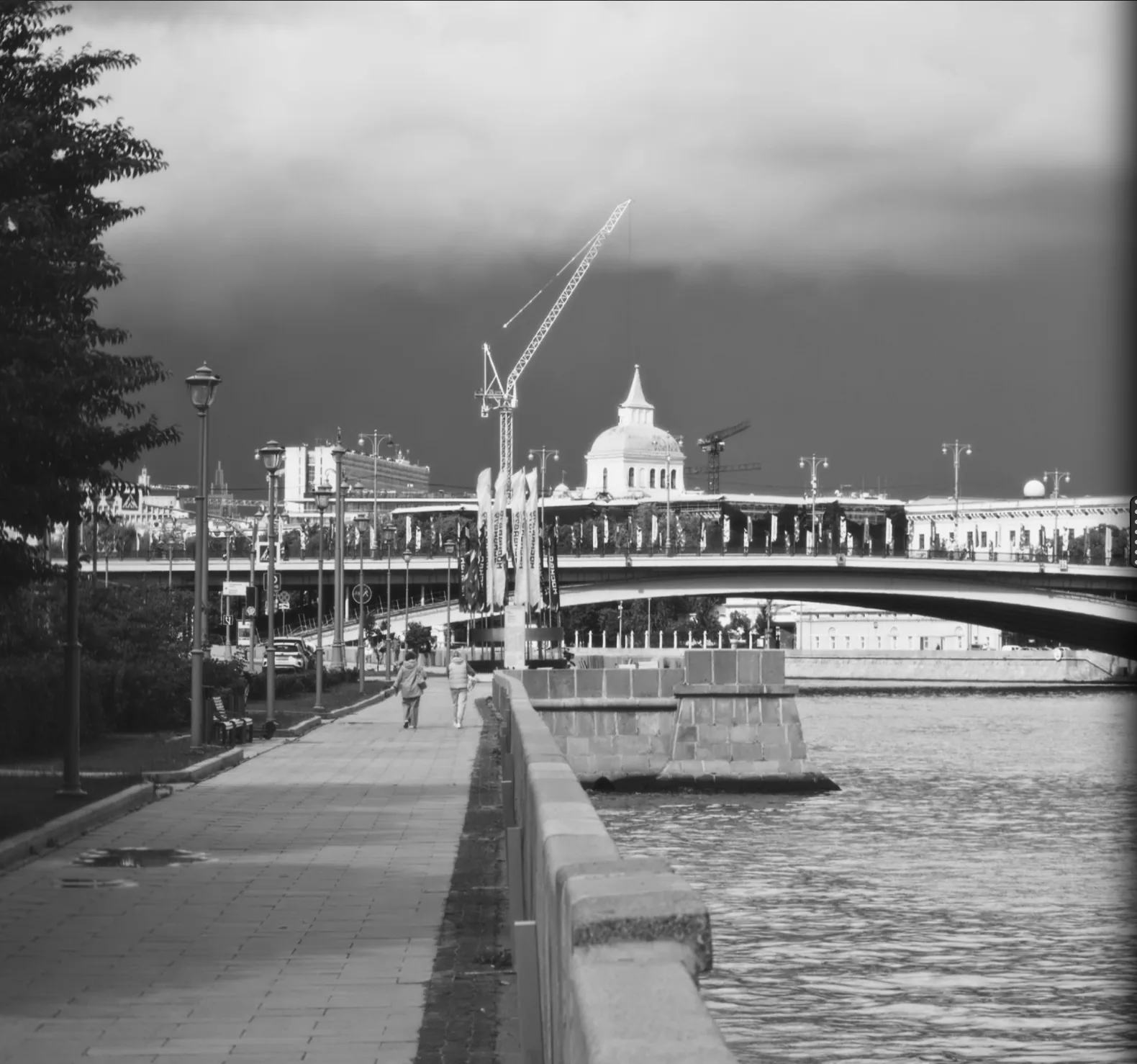
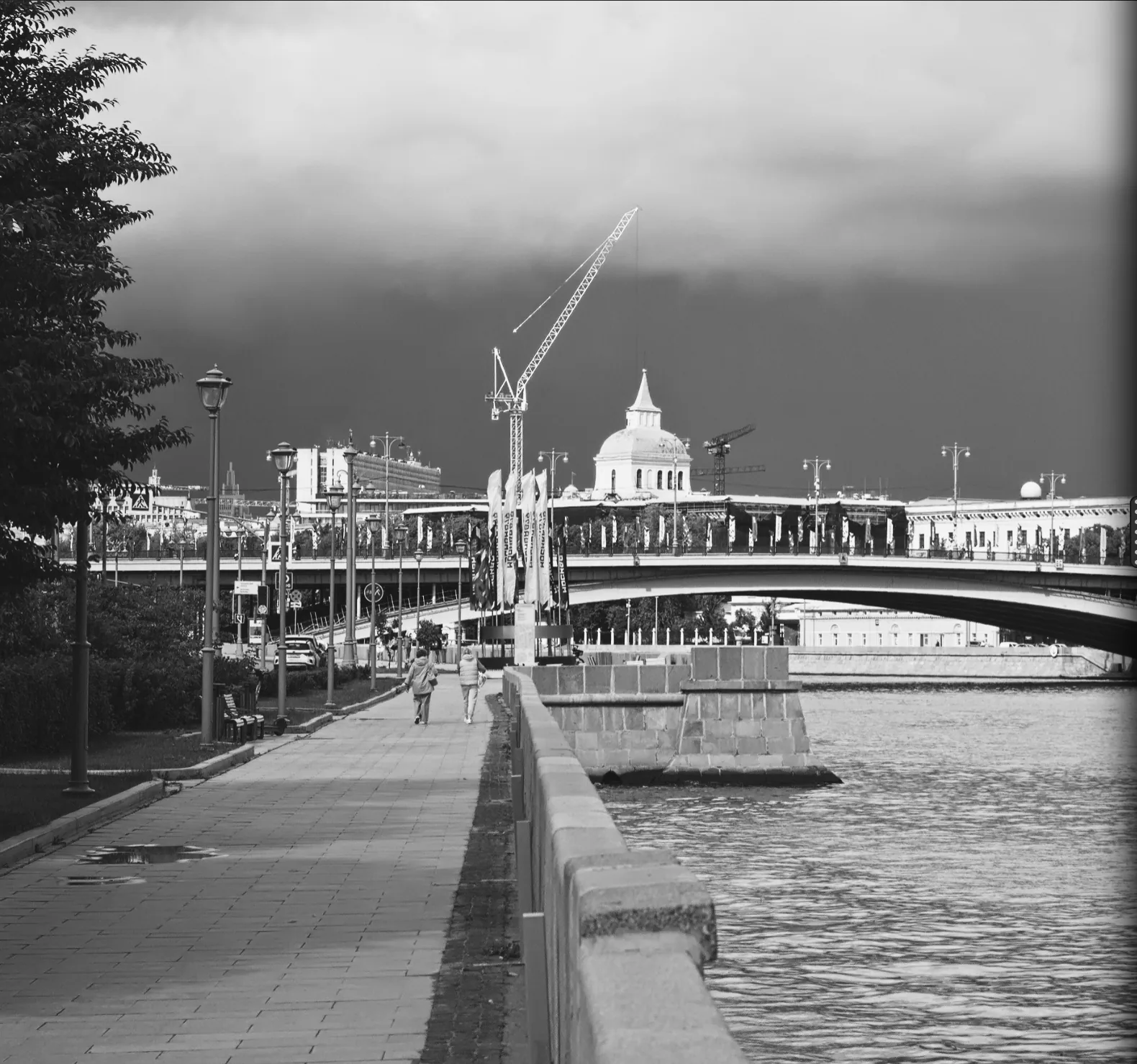
Examples. A portrait with the Soft-focus portrait lens at f/2.2: the highlights on the skin wrap themselves in a pale glow; at f/5.6 the same lens is nearly sharp. A landscape with the Four-element anastigmat at f/3.5 has soft corners; at f/9 it is clean from edge to edge.
More#
The More row holds two groups: Lens character, which is there only when you have chosen a lens design, and Lens effects, which works with None (digital) too.
Coating and lens hood#
- Coating: Uncoated (about 4% of the light reflected at each surface: flare, lighter shadows), Single-coated (the coating from 1935 on, about 1.3%), Multicoated (about 0.4%: deep shadows even against the light). Each design starts with the coating of its era: uncoated for the pre-war designs and the portrait lenses, single-coated for the double Gauss and the wide-angles, multicoated for the apochromat. An uncoated lens with many elements flares far more than one with few: that is why, before coating, the fast eight-surface lenses were feared against the light.
- Lens hood: on by default. Take it off and flare grows by about a third.
Example. A Fast double Gauss, Uncoated and with no lens hood: the shadows open into a milky grey and contrast drops, like a 1940s picture taken against the light.
Lens character: Flare, Glow, Corners, Distortion#
Corrections by eye on the design’s model: 100% is the design as it is, 0% removes that flaw, higher values exaggerate it. Next to the percentage, the readout tells you what results on the negative.
- Flare (0% to 400%): the stray light that lightens the shadows. The readout gives the share of veiling light, for example ‘100% · 1.2%’. On a coated lens stopped down two stops it is 1–2%.
- Glow (0% to 400%): the light that spreads around strong highlights, with a readout of its share and its radius on the negative (for example ‘100% · 12%·40µm’). If the lens gives no glow at that aperture, the slider goes inactive and tells you why: open up or choose a softer lens.
- Corners (0% to 400%): the softness that grows towards the corners, in microns on the negative. It also governs the colour fringes in the corners, which in black and white become a touch more softness. If the corners are already sharp at that aperture, the slider goes inactive with a note.
- Distortion (0% to 200%): barrel or pincushion, a few per cent as on real lenses. It shows on straight lines near the edges. The slider is missing for the Rapid Rectilinear, the Soft-focus portrait lens and the Modern apochromat, which don’t distort.
When to use them. To push a lens’s character without changing lens (Glow at 200% on the Petzval for a dreamy portrait), or to remove a flaw you don’t need (Distortion at 0% on the retrofocus when you photograph architecture).
Lens effects: Soft focus and Light falloff#
Free effects, on top of the design’s model or with no lens at all.
- Soft focus (0 to 100, default 0): the highlights spread as they would with a diffusion filter in front of the lens. It is a pale halo made at the taking stage: the highlights bleed into the shadows next to them. The printer who put a diffuser under the enlarger got the opposite, shadows that spread: that is the Print diffusion in the Enlarger.
- Soft-focus radius (0 to 100, default 40): how far the halo reaches. It appears when Soft focus is above zero.
- Light falloff (0 to 100, default 0): darker corners, as with wide-angles or old lenses. It adds to the design’s own falloff.
Examples. For infrared, a Soft focus of 30 gives the halo around white leaves. For a portrait, Soft focus at 20–40 with a low Soft-focus radius softens the skin without losing the eyes. A Light falloff of 20–30 closes in the composition like a light edge burn, but done in the camera.